Oniva receives Top Rated award from OMR Reviews

Anna Fredholm
October 2, 2026
•
3
min


Account groups allow you to group accounts together. These groups can then be used to control access to internal events or to import accounts into contact lists. Learn here how to manage your organisation’s account groups.

With account groups, you can create targeted internal audiences for your events. For example, you can reuse the same audience for recurring events or restrict access to specific departments. External events, on the other hand, are managed via the registration and access settings in the authorisation groups.
Within an event, account groups can be used for the following purposes:
Account groups can be managed in the admin area by admins at all levels. However, event admins can only create account groups for the events for which they are assigned as admins. Workspace and tenant admins, by contrast, can create generally applicable account groups—such as departments—for their workspace or tenant. These groups can then be used by event admins within their events.
Below you will learn how to create account groups for your event.
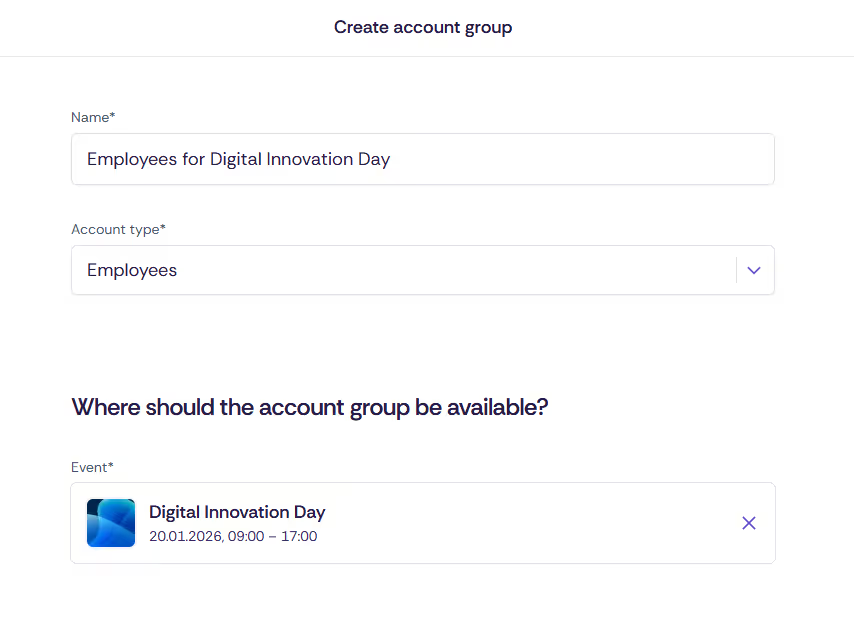
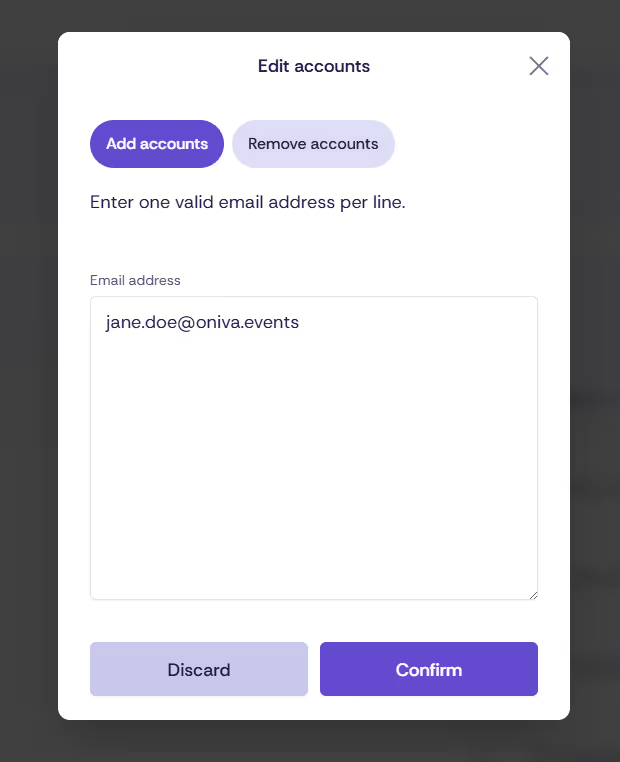
After a few minutes, you will receive a notification at your email address confirming the success of the import. It will list all email addresses that could not be imported into the account group—for example, because the account does not exist or an incorrect account type was selected.

For events with internal audiences, contacts can be imported directly from account groups. To do this, at least one authorisation group must be created that is restricted to accounts.
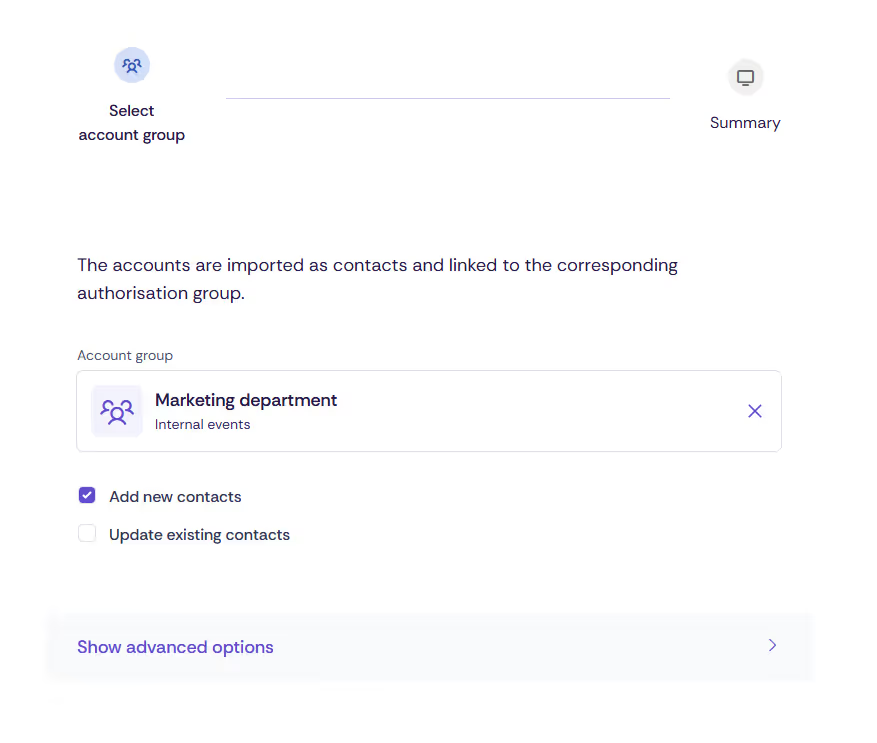
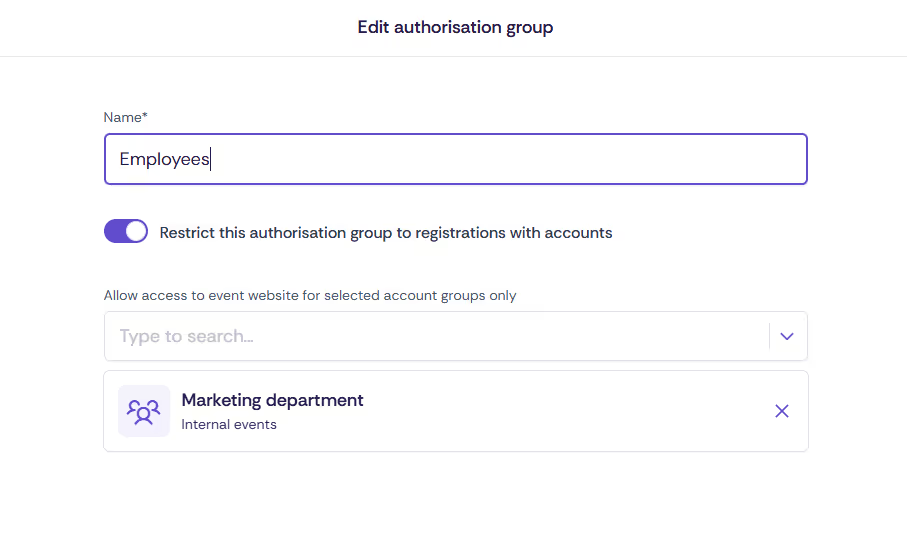
To restrict an internal event to specific accounts, the relevant account group can be assigned within the authorisation group. If no account group is assigned, all accounts of the selected account type will be able to register.
Yes. Account groups created by workspace or tenant admins are generally reusable and can be used for multiple events. This is particularly useful for different events with the same internal target audience, e.g. a specific department.
An account group is an event-independent grouping of accounts (users) that can be used, for example, for access control at internal events or for importing contacts (e.g. departments).
An authorisation group, on the other hand, is an event setting that defines the conditions under which guests can register for an event. By linking account groups with authorisation groups, access to an event can be specifically restricted to certain target audiences.
Discover exciting articles about creating unforgettable events.