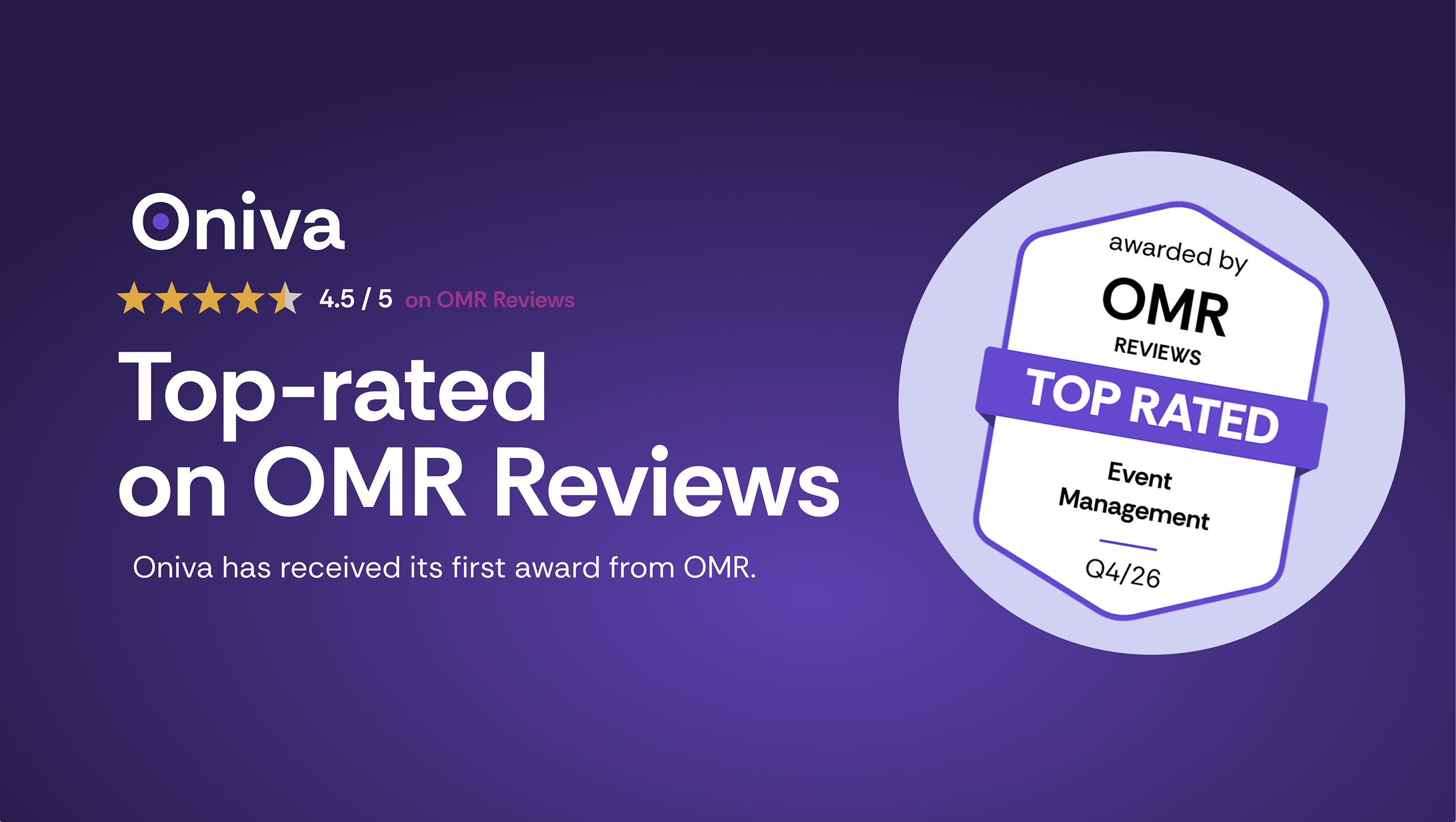
Oniva receives Top Rated award from OMR Reviews

Anna Fredholm
October 2, 2026
•
3
min


On the main page of the admin panel, you'll find the admin dashboard under "Home." The admin dashboard provides admin users with an overview of their upcoming events and campaigns.

The Oniva dashboard displays up to four categories based on your permissions:
Favorites are events that you have marked as particularly important or frequently used for quick access. They are always displayed on the dashboard, even if other events are more current. To mark an event as a favorite, open it in the admin and click on the star next to the name. Clicking the star again will remove the event as a favorite. Alternatively, you can also mark the event as a favorite from the list of all events via the action menu (···).
Discover exciting articles about creating unforgettable events.