
The German MICE Market 2025: New Record in Participants

Marc Blindenbacher
July 29, 2026
•
7
min


Learn how to use the Oniva REST API to access event data programmatically – for example, for custom integrations, reporting, or automated workflows.
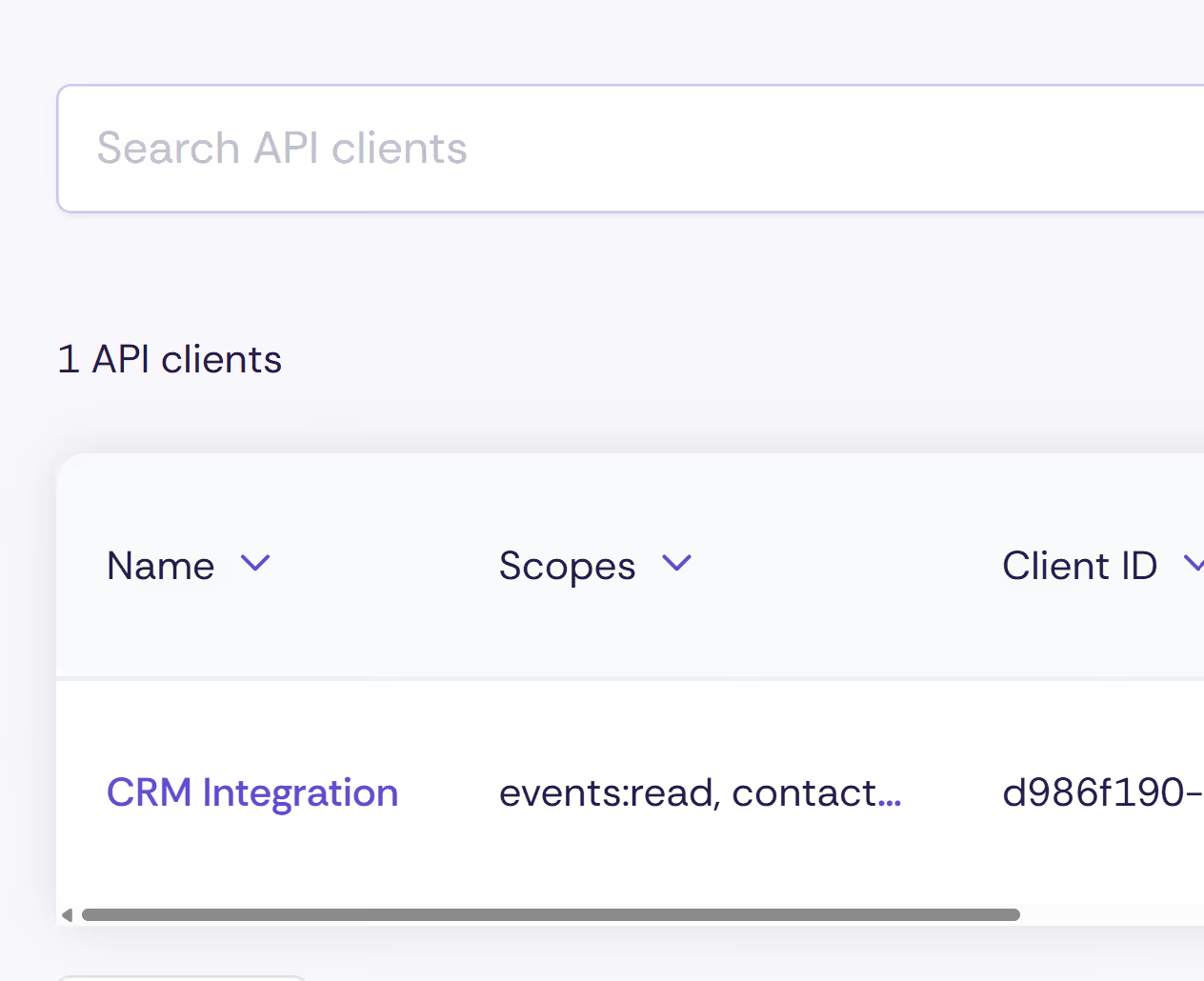
The Oniva REST API allows you to access data in Oniva from external systems – without using the user interface. It is designed for developers who want to integrate Oniva into existing systems or build their own applications on top of it.
Unlike webhooks, which send data automatically when an event occurs, the REST API lets you retrieve data on demand – whenever you need it.
The REST API gives you access to the following areas:
Events
Bookings
User information
The API enables targeted connections between Oniva and other systems. Typical use cases include:
Custom reporting and analytics: Booking data can be retrieved periodically and transferred to your own analytics or reporting tool – without any manual exports.
Example: Oniva → REST API → Python script → Excel / Power BI
Custom integrations: If a third-party system needs booking or event data, it can retrieve this directly via the API. This allows for tailored connections that go beyond standard webhooks.
Data synchronisation: Data from Oniva can be fetched regularly and synchronised with other systems – e.g. CRMs, membership databases, or internal tools.
💡 Tip: For real-time notifications on bookings or check-ins, webhooks are the better fit. The REST API is ideal when you need to retrieve data on demand.
If the feature is not yet available, it can be activated by the Oniva support team.
⚠️ Important: The Client Secret is only displayed once after creation. Make sure you store it in a secure location straight away.
The API uses OAuth 2.0 Client Credentials. This means you exchange your Client ID and Client Secret for a time-limited access token (Bearer Token), which you include with every API request.
Tokens are valid for 1 hour. After that, a new one must be requested.
The full technical documentation – including all available endpoints, parameters, and example requests – can be found directly in your Oniva account at:
/admin/de/apidocs
You can also try out endpoints directly in your browser there.
Rate limiting: The API allows a maximum of 300 requests per minute (per OAuth client). Authentication endpoints are limited to 20 requests per minute per IP address. If you exceed these limits, you will receive an error message indicating how long to wait before retrying.
Pagination: List queries (e.g. all bookings for an event) are returned in pages. By default, 10 entries are returned per request, with a maximum of 100.
API version: The API is currently in beta. Breaking changes are possible. We recommend checking your integrations regularly for compatibility.
When using the REST API, event and attendee data is transferred to external systems. Please ensure that the receiving system meets the applicable data protection requirements and that data is processed securely.
In particular, check whether the target system complies with Swiss and European data protection regulations. As the operator of the target system, you are responsible for ensuring that any further processing of the data is carried out in a compliant manner. If in doubt, we recommend discussing the integration with your data protection officer or IT department.
Ja. Für komplexere oder flexiblere Abfragen steht zusätzlich die GraphQL API zur Verfügung.
With the REST API, data can be retrieved on demand. Webhooks automatically send data when specific events occur, such as a new booking or a check-in.
The REST API is particularly suitable for:
Webhooks are better suited for real-time notifications.
Mit der REST API können Daten gezielt auf Abruf geladen werden. Webhooks senden Daten automatisch bei bestimmten Ereignissen, beispielsweise bei einer neuen Buchung oder einem Check-in.
Die REST API richtet sich an Entwickler:innen und Unternehmen, die Oniva mit anderen Systemen verbinden oder eigene Anwendungen auf Basis von Oniva-Daten entwickeln möchten.
Die Oniva REST API ermöglicht den programmgesteuerten Zugriff auf Daten in Oniva – beispielsweise Events, Buchungen oder Kontaktdaten. Sie eignet sich für Integrationen, Automatisierungen und individuelle Auswertungen.
Discover exciting articles about creating unforgettable events.