Oniva receives Top Rated award from OMR Reviews

Anna Fredholm
October 2, 2026
•
3
min


Stay up to date with the latest features, improvements, and updates to our event management platform.
With the last release, we enabled SSO with OpenID for all licence tiers. Now comes the next step for the SAML 2.0 standard. SSO with SAML 2.0 is now also available.
Alongside SAML, we've also further optimised the existing SSO process.

Oniva is becoming even more international: In addition to German, English, French and Italian, events can now also be created in Spanish, Portuguese, Polish, Swedish, Danish, Dutch, Norwegian and Czech.
Buttons in campaigns can now also be formatted as simple links. This also applies to footer links such as Contact, Unsubscribe and Legal.
Alongside the new languages, we've also revised our automatic notifications. Booking and unsubscribe confirmations, admin notifications and waiting list e-mails have been updated and linguistically refined.
We've also been working on the details. Numerous adjustments make Oniva even more intuitive to use and ensure a smoother workflow as well as better error messages & notices.
From now on, you can translate all text fields in Oniva directly with AI, not just the event title and description. This works for, among other things, the agenda, booking options and registration forms, making it even easier to create multilingual events.
With the new Unsplash integration, you can access millions of free, high-resolution images directly in Oniva. This way, you'll quickly find the right image for your event – with no need for an additional image upload.
You can now crop uploaded images directly in Oniva. Simply select the right section and adjust your images perfectly to the desired format.
You can now create event websites without a main image too. Ideal for pure registration pages.
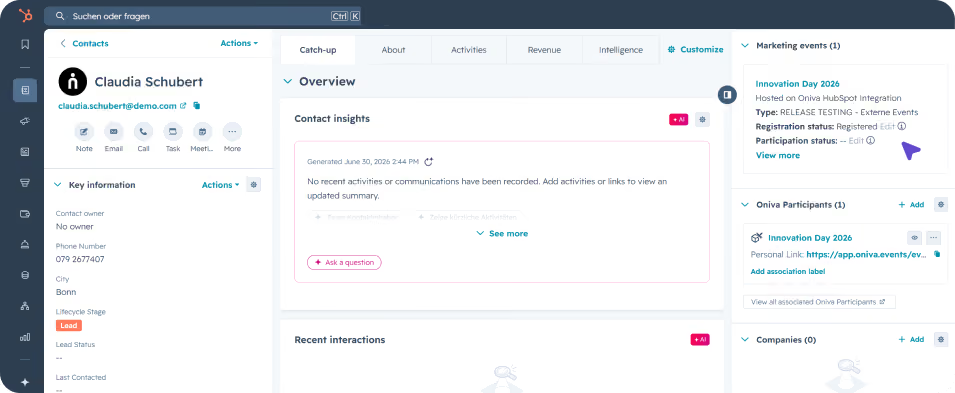
The new HubSpot integration allows event and contact data to be synchronised directly with HubSpot. Contacts, bookings, and personal event links can be transferred automatically, so marketing and sales teams always work with up-to-date information. This makes the connection between the event management platform and your CRM simpler and more efficient.
⚠️ Requirement: The "HubSpot API" add-on must be enabled for your organisation. Exporting personal event links additionally requires a HubSpot Enterprise plan, as custom objects are only available there.
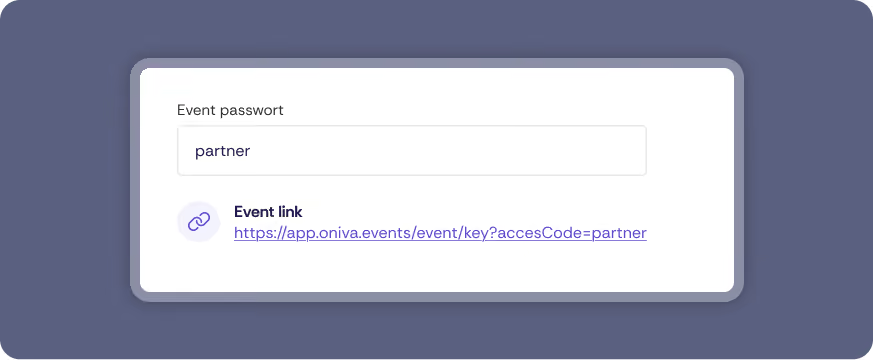
For events with different authorisation groups, direct authentication links can now be created. These allow guests to log in and be assigned to a authorisation group automatically, without entering an access code. Where a partner code previously had to be created and shared, a single link now does the job.
The new authentication links are particularly suited to use cases where a link is shared with guests who aren't yet known – for example, partner links or social media campaigns.
Personal links for individual guests remain unchanged by this update.
Previously, Single Sign-On (SSO) was exclusively available for Enterprise licenses. With the current update, SSO is now available for all license tiers – for secure and convenient login.
💡 Tip: Accounts imported from HubSpot can also be assigned an SSO account type. Login will then automatically occur via the SSO used.
In the settings, set up at least one account type with SSO. OpenID is supported (SAML coming soon). You can then create or import accounts as usual.
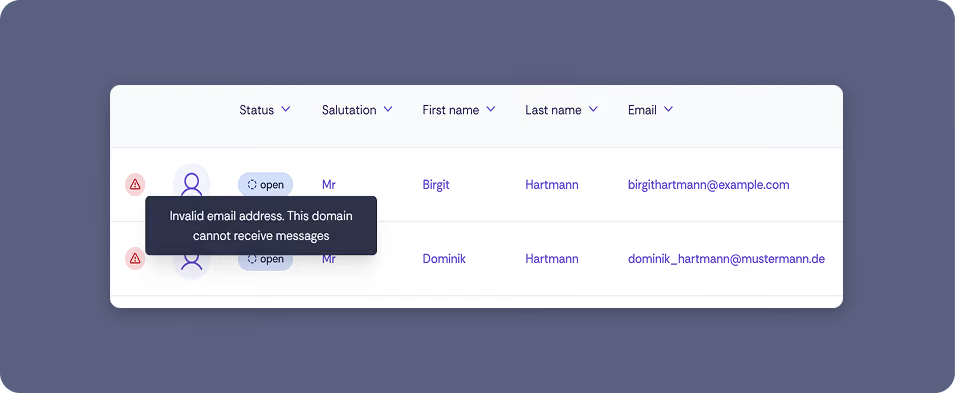
This update fundamentally improves email handling and contact management in Oniva – for more reliable delivery, a cleaner contact list, and greater control over your campaigns.
⚠️ Prerequisites: Both the integrated delivery handling and the improved sending capacity require a migration to the new Oniva Azure mail server. The main contact person of your organisation will receive a separate mailing with further information.
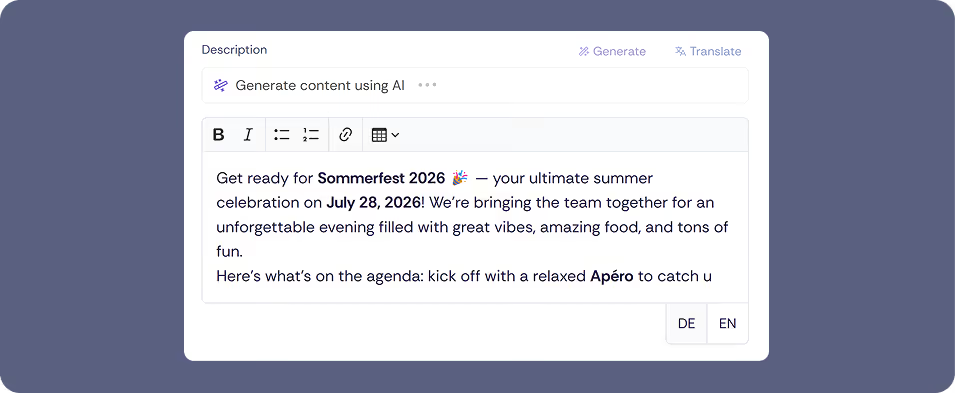
With this update, Oniva expands its AI-powered text generation: you can now create descriptions not only for new events, but also for existing ones – and for the first time, directly for campaigns such as invitations and reminders.
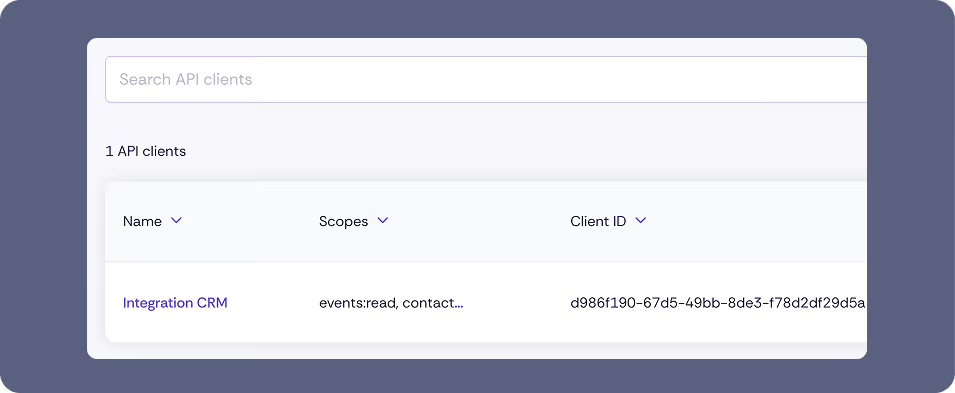
With this update, Oniva expands its integration capabilities: the new REST API enables programmatic access to events and bookings – for custom integrations, automated workflows, and your own reporting.
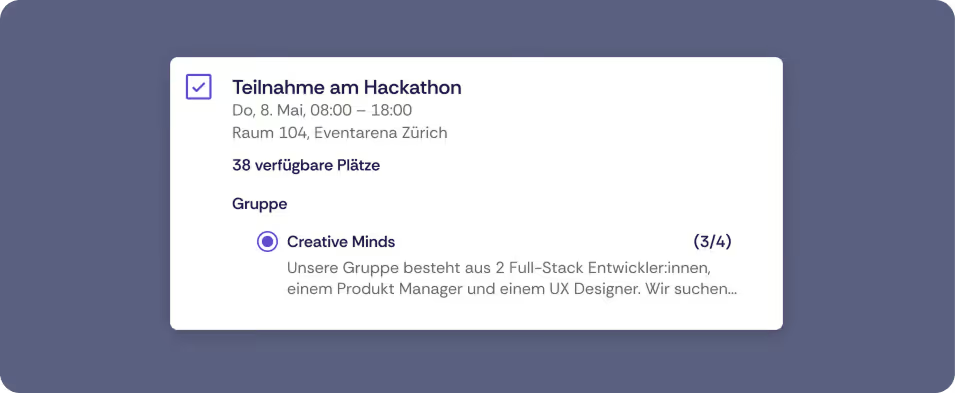
With this update, Oniva extends the group booking feature: teams can now also be created for events without accounts. This makes it much easier to organise team-based events such as team events, hackathons, or group challenges.
Group bookings are activated within the booking options. Participants can then create a group or join an existing one. The group organiser manages the members and invites additional participants.
Once the maximum number of groups has been reached, no new groups can be created. If the maximum number of participants per group is also reached, the corresponding booking option can no longer be booked.
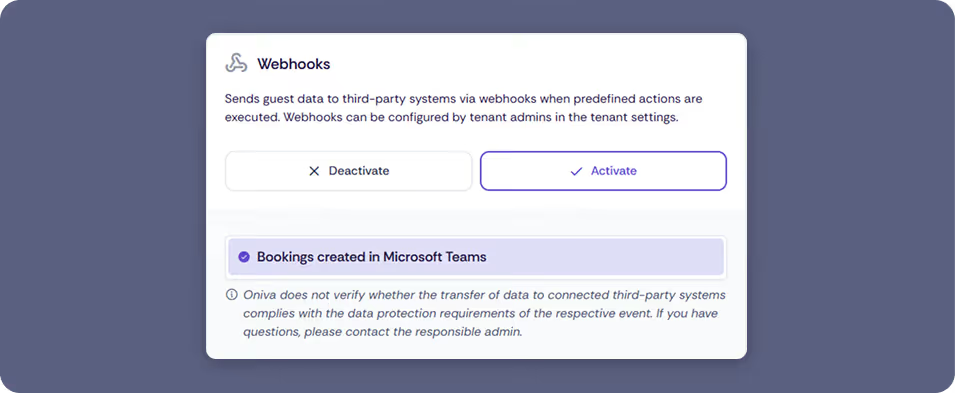
With the latest update, Oniva expands its integration capabilities: Webhooks allow events in Oniva to automatically send data to other systems. This makes it possible to automate processes and transfer event data without manual exports.
Webhooks can only be configured and managed by tenant admins. The webhook feature must be activated on your licence.
If the feature is not yet available, the Oniva Support Team can enable it: support@oniva.events
Additional filters for bookings and contacts help you analyse your event data even more efficiently and work with it in a targeted way.
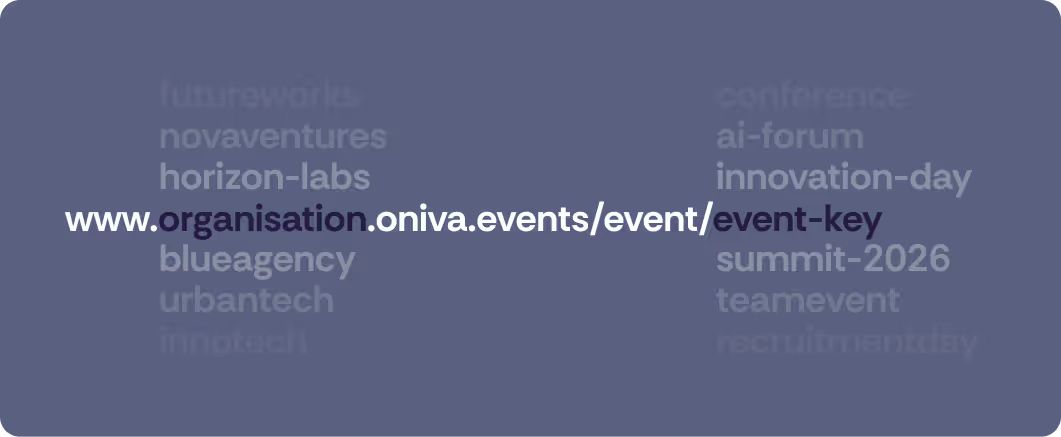
Until now, all events were created and published centrally under app.oniva.events.
Each organisation now receives its own Oniva subdomain. Your events will be accessible via:
No worries — all existing events will keep their current links.
New events will automatically be created under the new subdomain, with no action required on your side. Any libraries can still be accessed via the old domain.
Already using a custom domain for your events? Everything will remain exactly as before.
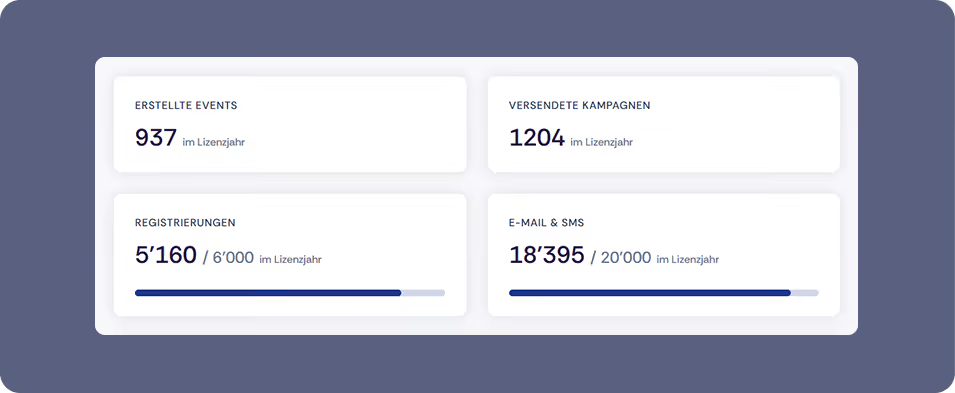
With this update, Oniva introduces an additional level: your organisation’s tenant settings. This level can be managed by tenant admins. Define organisation-wide standards, centrally configure technical settings, and keep a clear overview of your licence model at all times — even across multiple workspaces.
Tenant settings are available exclusively to admins with the appropriate permissions. This highest configuration level should only be assigned to selected individuals to ensure security and consistency across the organisation.
Contact Oniva Support if permissions need to be adjusted: support@oniva.events
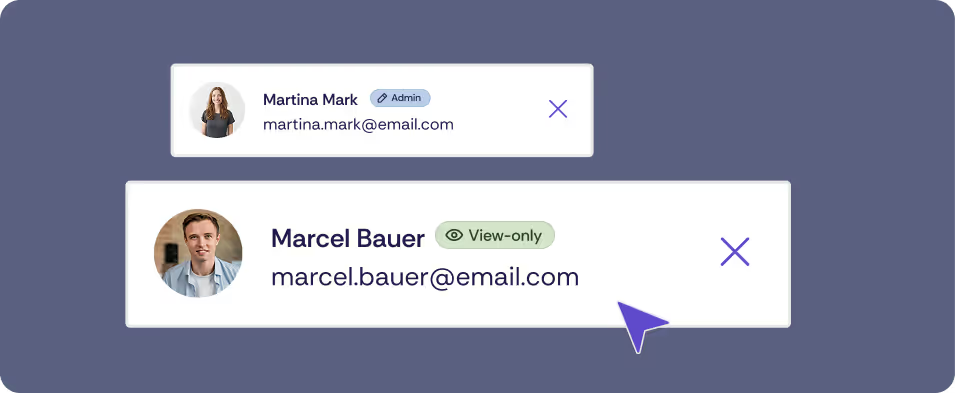
Event Admins can now independently grant admin rights to additional admins for individual events. Simply link the relevant admin accounts in your event settings.
Workspace Admins can, by default, view all events within their workspace. If an admin should only have access to specific events, their role must be downgraded to event admin level. See account roles and permissions for details.
In addition to the event admin role, you can now assign read-only access for an event. Users with read-only access can view the guest list and bookings but cannot edit the event.
Another benefit: read-only access does not count towards the admin quota. This allows you to give additional stakeholders — such as account managers, speakers, or other contributors — insight into your guest list with full flexibility.
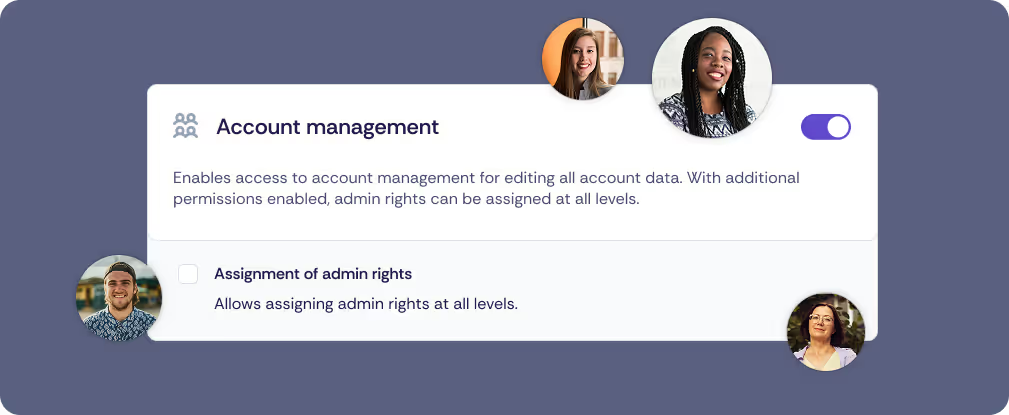
Oniva now enables central management of closed user groups. Create accounts for members, employees, or other defined groups and restrict event access exclusively to these users. Assign admin rights independently and keep your account list up to date.
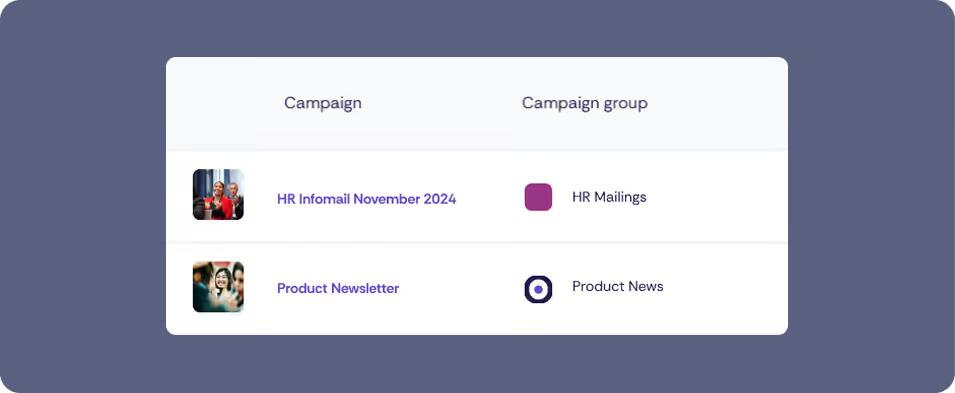
With Oniva, you can promote not only events but also send event-independent newsletter campaigns. This makes Oniva your central tool for all of your organisation’s email communication.
Whether HR mailings, customer updates, or product newsletters — campaign groups let you plan and send content in a structured and professional way.
With the multi-tenant feature, you can manage multiple independent tenants within an organisation. This is especially useful for large corporations with subsidiaries or autonomous sub-departments that want to keep their accounts, permissions, and configurations separate.
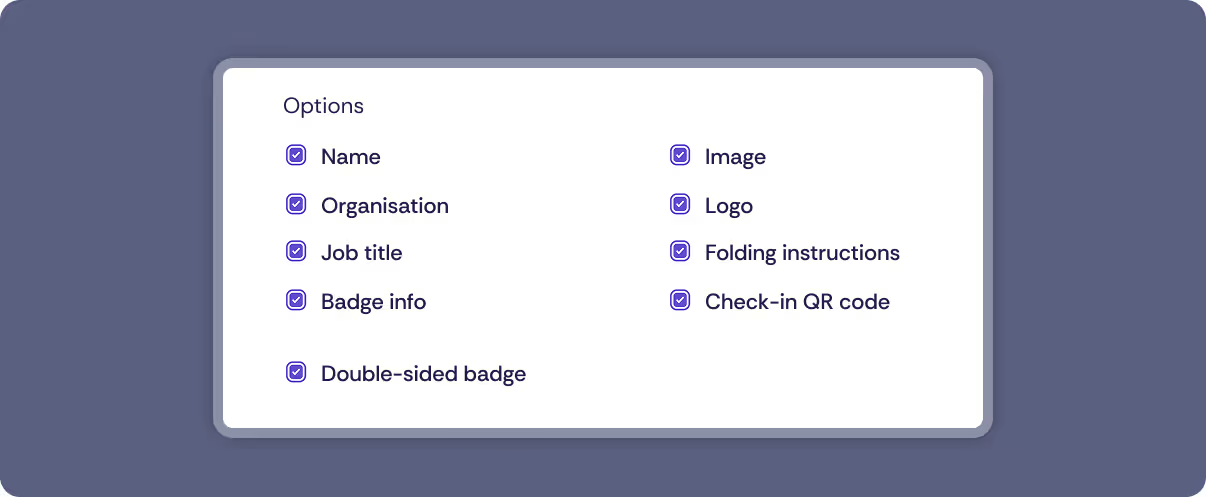
Badges make your event look more professional, simplify networking, speed up check-in, and can contain important information. From now on, Oniva offers exciting new updates to event badges:
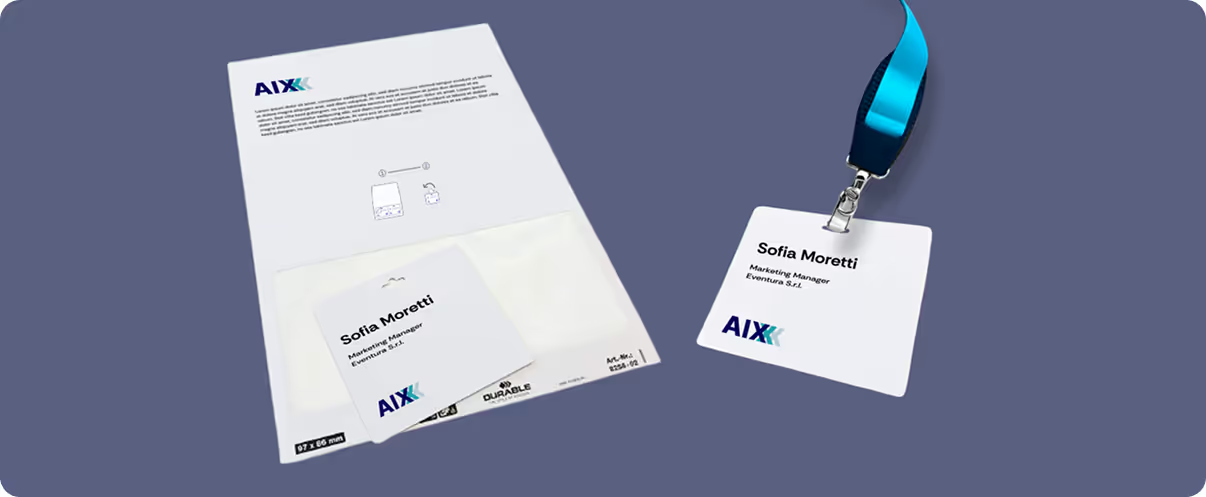
No folding, no holder – simply print, peel, and wear. Particularly useful with Print on Demand, as badges can be handed out even faster.
All three badge formats (A6, A7, self-adhesive) now come with a refreshed design for a clean, professional look.
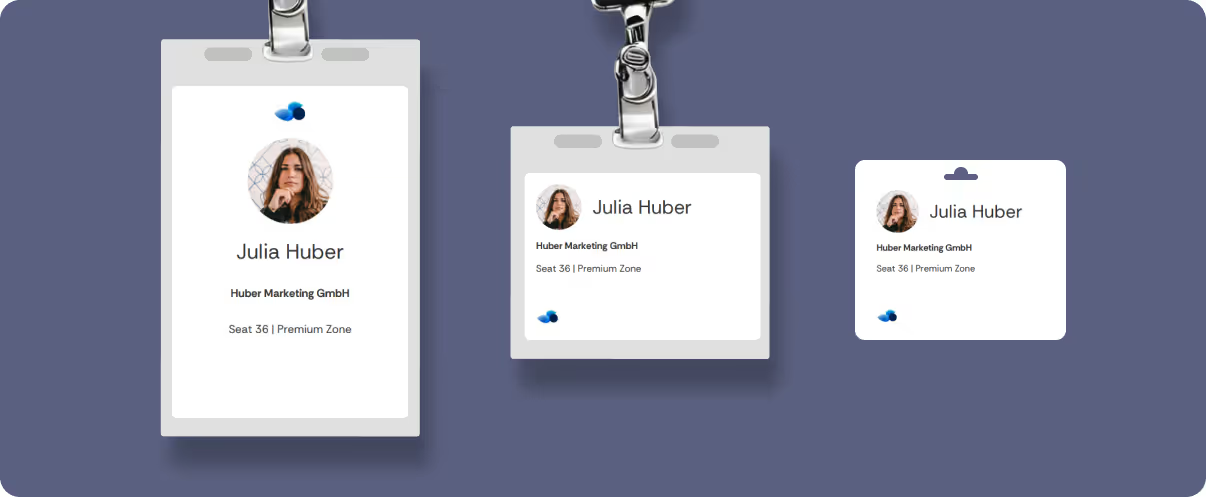
Show or hide badge information as needed – exactly how it suits your event.
We have upgraded the underlying framework to the latest version and carried out several improvements to enhance stability and maintainability. This ensures that Oniva remains reliable, high-performing, and future-proof in the long run.
From now on, you can also integrate your events, including payment processing, directly into your existing website via iFrame. This allows you to use Oniva seamlessly for congresses or similar formats – especially if you already have a website or want to build it more flexibly with a CMS (Content-Management-System).
Save time when setting up your events: Oniva now supports you with AI-generated event descriptions – at the click of a button and in all supported languages.
This new feature helps you create professional, well-written texts in no time.
What’s new?
🧠 AI-powered text suggestions: Generate suitable event descriptions with one click
🌍 Multilingual: Automatically create translations in all activated languages
✏️ Customizable: Use the AI-generated text as a base and add your own details

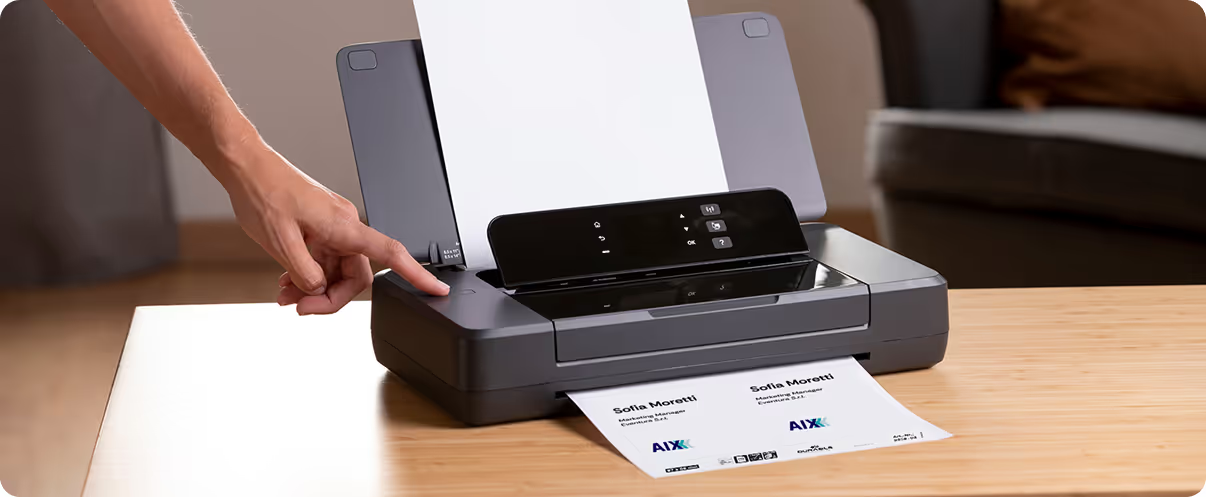
Even more efficient check-in: With the Oniva Check-In App, you can now automatically print a badge for your guest when scanning their e-ticket – on-site and in real time.
This update streamlines your reception process, saves time, and ensures a professional guest experience.
Perfect for events with many participants who need personalized badges directly at entry.
What’s new?
🖨️ Instant badge printing at check-in: A name tag is created automatically when an e-ticket is scanned and sent to your connected printer
🔗 Integration with standard A4 printers: Compatible with popular printer models – simply connect via Wi-Fi
How it works
With tables 2.0, data management in Oniva is now even more powerful and intuitive. The new version offers optimised performance, improved sorting options, and a smarter order of results. This allows you to find relevant information faster and work more efficiently.
Try out the new tables and experience even better usability for your participant management!

Representatives – flexible participant management for third parties
You can now register representatives for events in Oniva! This feature allows you to register guests on behalf of another person – perfect for registrations via assistants or for general meetings and training sessions.
With representatives, you ensure clear communication and smooth organisation. The e-ticket is issued directly in the name of the representative, while the primary contact continues to receive all information and notifications.

Alongside major updates, we have also made many small refinements to further optimise your experience with Oniva. Minor bugs have been fixed, processes improved, and user-friendliness enhanced in several areas.
Our continuous improvements ensure that you can manage your events even more efficiently.
In Oniva, you can now communicate in a more personalised and targeted way! The new flexible variables provide you with maximum freedom in designing your campaigns – from invitations to follow-up communication.

With the improved accompanying persons 2.0 feature, managing participants with accompanying persons is even easier. This extension allows you to register any number of accompanying persons, collect specific registration information, and generate separate e-tickets for accompanying persons.

With the new session check-in feature, you can now check in individual booking options separately. This ensures that your guests only have access to the areas they’ve registered for.
This update makes participant management for multi-tier events significantly more flexible and easier. You’ll have full control, providing your guests with a smooth event experience.
Update the Oniva Check-in App directly on your device and benefit from the new feature right away.

You can now equip your event websites with a custom domain. Present your events under your own domain, such as events.company.com.

With two-factor authentication (2FA), you can protect your account with an extra security measure and safeguard your event data even better. Enable 2FA and use any common OTP (One-Time Password) app, such as Google Authenticator or Authy, to protect your Oniva Admin account.

The admin interface has been adapted to the new Oniva branding. Additionally, the following improvements have been made:
Functionally, all previous features remain available as before. The presentation of event websites for your participants remains unchanged.

A new support portal has been created, now also in French 🇫🇷 and with live chat for quick assistance.

Oniva's performance has been improved to ensure a smooth registration experience without waiting times, even for events with high simultaneous visitor traffic.
Here are the key improvements:

Discover exciting articles about creating unforgettable events.