.svg)


.svg)




What makes a good invitation to a company party?
A good company party invitation answers at a glance: what's being celebrated, when, where, and by when to accept or decline. Below you'll find ready-to-use templates for the most common occasions: Christmas party, summer party, company anniversary, team event and New Year's apéro. Just copy them, fill in the placeholders and send. The invitation is one of the various stages of event planning, and possibly one of the most important.
Checklist: what every company party invitation needs
- Occasion: what's being celebrated? (e.g. Christmas party, 10-year anniversary)
- Date and time: including an approximate end time if relevant
- Location: with address and, if needed, a note on travel or parking
- Programme: a short outline (apéro, dinner, music …)
- Dress code: if desired (e.g. casual, formal)
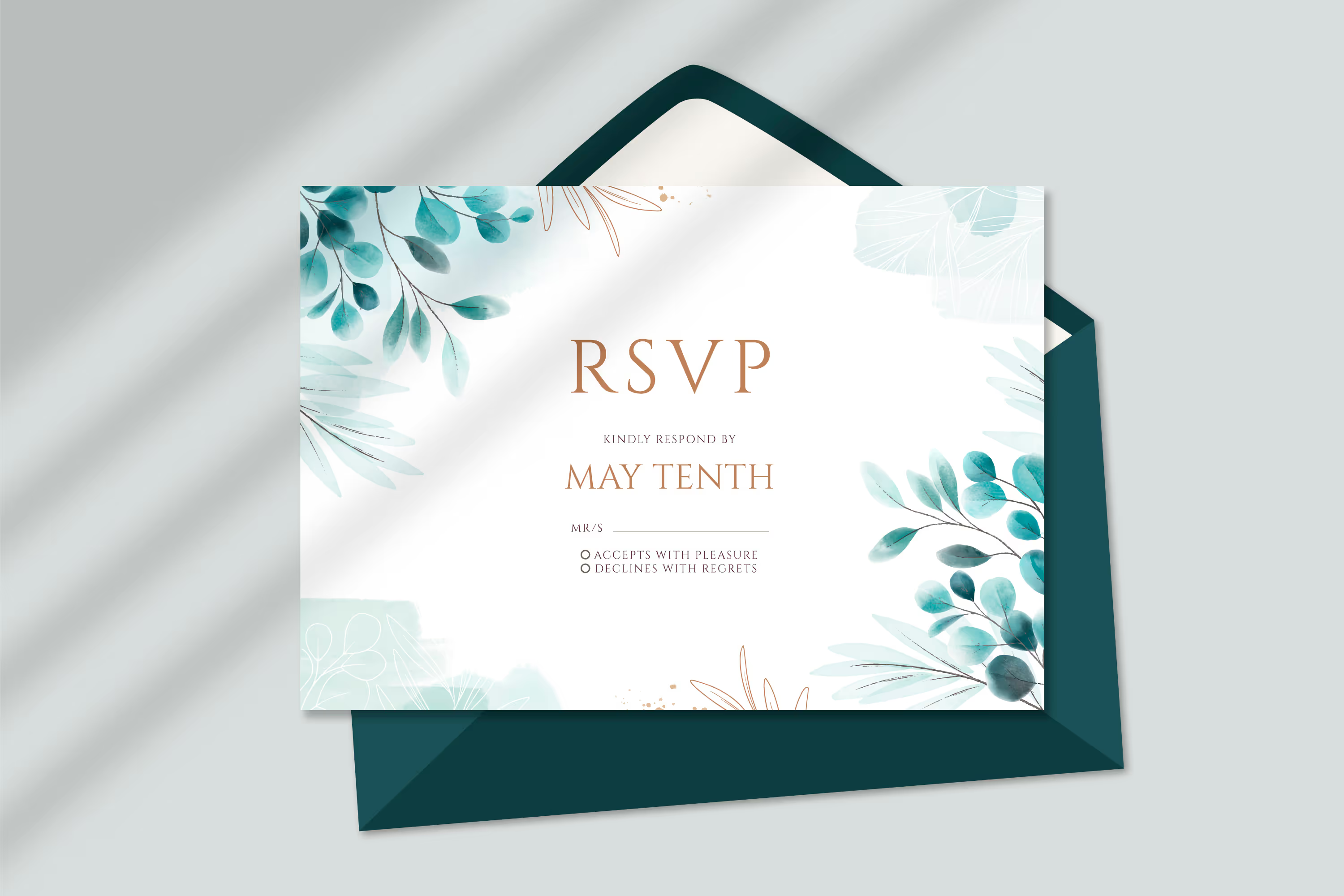
- RSVP deadline: by when to accept or decline
- Contact: who to ask with questions
- Optional: catering notes (vegetarian/vegan), are plus-ones allowed?
Tip: keep the invitation short. Anything beyond this can go on an event website or in the registration form.
Choose a compelling subject line to boost the registration rate
The subject line determines whether your invitation is opened at all, and the more people who open it, the higher the registration rate will ultimately be. A compelling subject line gets straight to the point: the event and date at a glance, short enough for mobile viewing (on a smartphone, only around 40 characters are often visible) and with a clear reason to open it now. If possible, address the person by name; avoid vague phrases such as ‘Important information’ and opt instead for something specific like ‘You’re invited: Company party on 12 December’. A touch of anticipation or a friendly reminder of the reply deadline will further boost the open rate. And if you want to know for sure: test two subject lines against each other (A/B test) and send the more successful one to the rest of your guest list.
1. Template: general company party
Subject: You're invited: our company party on [Date]
2. Template: Christmas party
Subject: Our Christmas party – join us on [Date]!
3. Template: summer party
Subject: Sun, drinks, summer party – see you on [Date]!
4. Template: company anniversary
Subject: [X] years of [Company] – celebrate with us on [Date]!
5. Template: team event / team apéro
Subject: Team time! Our team event on [Date]
6. Template: New Year's apéro
Subject: Let's toast the new year – New Year's apéro on [Date]
Tips for the wording
- Match the tone to the occasion: a summer party can sound relaxed, an anniversary a little more formal.
- One clear action per invitation: the RSVP. Make the deadline and the "how do I reply?" unmistakable.
- Invite early enough: a rule of thumb is two to four month ahead, more for larger celebrations.
- Address people personally: a name – or at least "dear colleagues" – feels more inviting than an anonymous "to all".
Send invitations digitally and manage responses
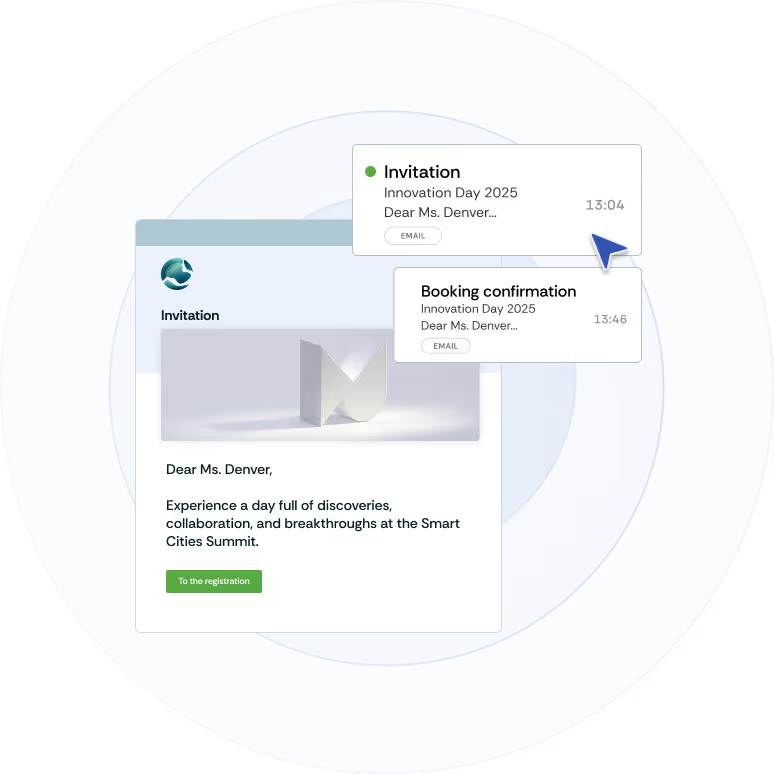
With more than a handful of guests, managing replies by email quickly gets messy. With an invitation management solution you send invitations in your own branding, collect acceptances and declines automatically, and keep dietary preferences and plus-ones in one place. If you'd like more detail, the article on best practices for event invitations covers structure, timing and channels.